

Getting Started
Contractors are strongly encouraged to register employees and upload their training and compliance records before workers arrive on site. This helps reduce onboarding time, avoids delays at site entry, and ensures workers can complete inductions as quickly as possible.
On this page
- Getting Started
- Administrators
- First Login
- Workers Arriving on Site
- Registration
- Site Induction
- Signing In
- Daily Safety Checks
- Signing Out
Getting Started
There are two ways workers typically begin using Onsite:
- Before arriving on site: A contractor administrator registers employees and uploads their compliance and training records.
- When arriving on site: A worker scans the site QR code, registers (if required), and completes their site induction before starting work.
Using Onsite before arriving on site can significantly reduce delays and help workers get to work faster on their first day.
Administrators
When a builder engages a new contractor, the contractor's primary contact is usually invited to register for Onsite and is assigned the Administrator role.
Administrators can:
- Register employees before they arrive on site
- Maintain worker contact details
- Upload and manage training records, licences, and other compliance documents
- Track worker induction status
- Manage company records within Certify Network
Pre-registering employees ensures workers can be identified quickly when they first access Onsite and helps streamline the induction process.
First Login
Onsite is available at:
The first time a registered user logs in with their email address, their initial password is their first name. Users must change their password after logging in.
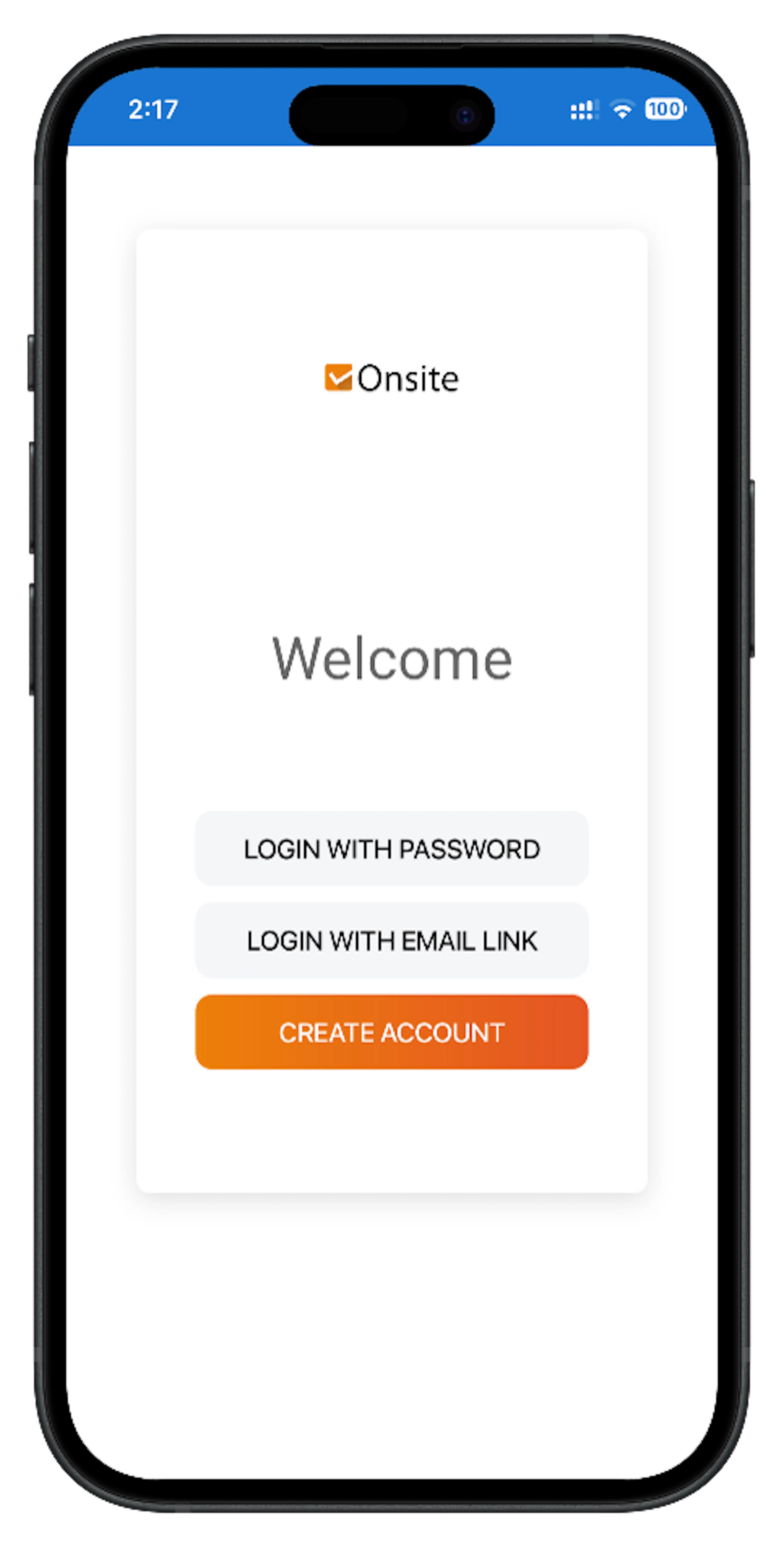
If a password is forgotten, select LOGIN WITH EMAIL LINK. A one-time login link will be sent by email, allowing access to the account and the opportunity to set a new password. The password can be changed in the user’s Profile.
Workers Arriving on Site
The primary purpose of Onsite is to help manage safety, compliance, and attendance on construction sites.
Before starting work, all workers and visitors must access Onsite by scanning the site's QR code or by opening the app on their mobile device.
The site QR code contains a unique site identifier that is used for:
- Site attendance records
- Safety alerts and notifications
- Toolbox talks
- Emergency management and evacuations
- Site-specific inductions
Registration
Workers who have already been registered by their employer can simply log in and continue.
If a worker does not yet have an account, Onsite will guide them through a simple registration process. Once registered, their account can be used across multiple projects and builders that use Certify Network.
Site Induction
Before working on a project, workers must complete the builder's site induction.
As part of the induction, workers are required to:
- Select the contractor they work for.
- Confirm that they have read and understood the approved Safe Work Method Statement (SWMS) relevant to their work activities.
- Review important project and safety information.
- Acknowledge any site-specific requirements.
The contractor selected by the worker must be assigned to the project and have an approved SWMS before the induction can be completed.
In most cases, workers only complete a site induction once for a builder or project, unless additional inductions are required.
Signing In
After completing the required induction, workers can sign in to the site using either:
- QR Code sign-in, or
- GPS sign-in (where enabled)
On their first visit, workers may be automatically signed in when the induction is completed.
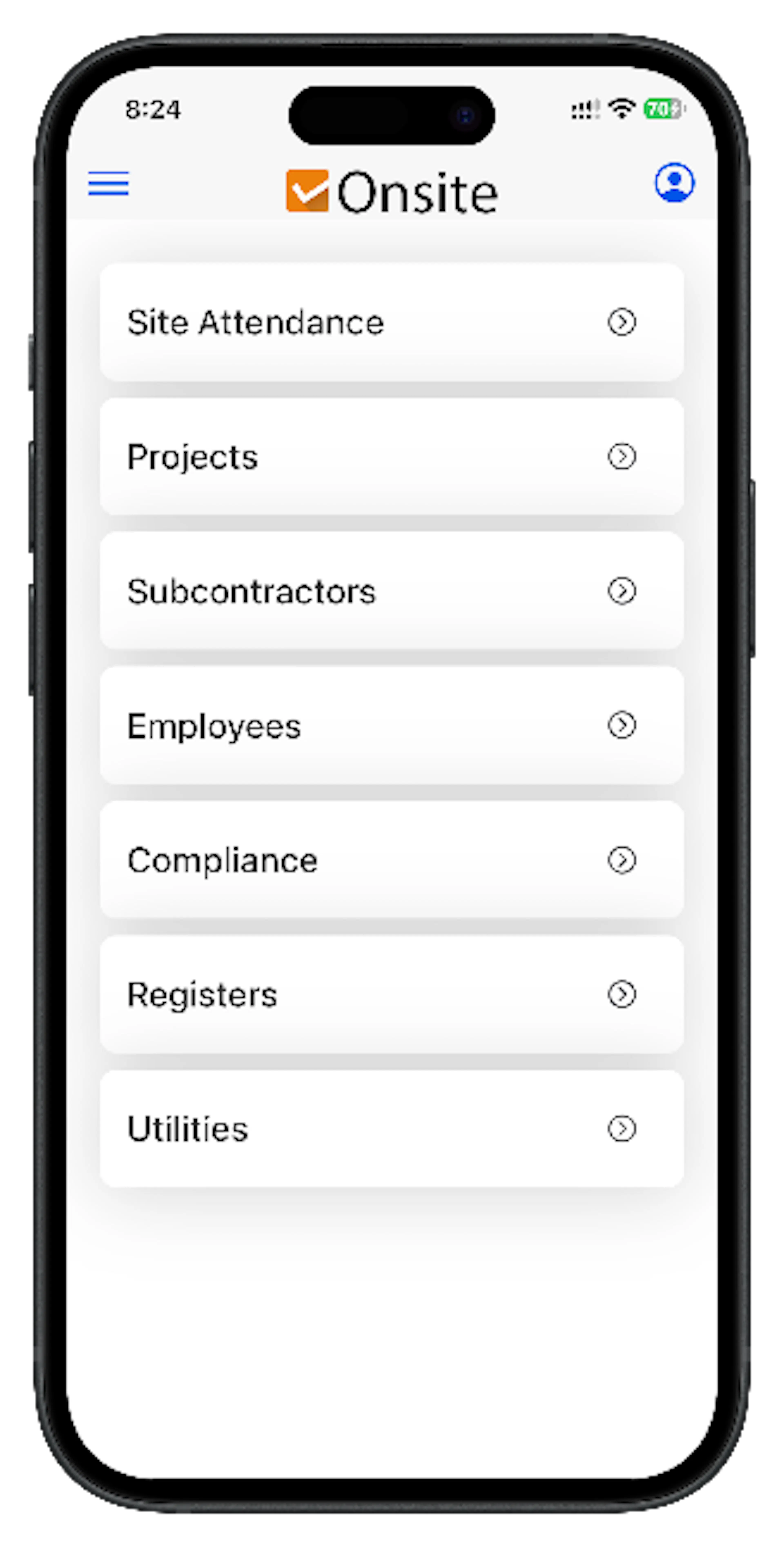
For future visits, workers can open Onsite by scanning the site QR code or using the app saved on their mobile device and then select Site Attendance.
Daily Safety Checks
Before signing in, workers and visitors may be required to:
- Complete a safety checklist
- Confirm fitness for work
- Acknowledge safety alerts or site notices
- Review weather warnings or other important site information
Safety checklists may vary depending on the work activities selected during induction.
Signing Out
Workers must sign out when leaving the site by selecting Sign Out in the app.
Accurate sign-in and sign-out records help builders:
- Monitor site attendance
- Respond to emergencies
- Maintain compliance records
- Account for all personnel on site
If a worker forgets to sign out, Onsite will automatically sign them out at midnight.